The full anatomy of a phishing site,
one URL at a time.
ZeroPhish renders the page, runs twelve detection signals against the DOM, certificate chain, brand fingerprint and threat feeds, and returns a typed verdict. Built for security teams and product engineers.
No phishing signals detected
| URL | hxxps://docs[.]gitlab[.]com/charts/installation/ | |
| Host | docs[.]gitlab[.]com | |
| Registered domain | gitlab[.]com | |
| Brand | GitLab | |
| Screenshot | https://cdn.zerophish.ai/80928897-a674-4da2-a877-93ed4f27fd69.jpg | |
| Scan ID | 1ef6d75b-c04a-42db-bae4-7030d673677e |
| Host | docs.gitlab.com |
| Registered domain | gitlab.com |
| Scheme | https |
| Content length | 65447 B |
| HTTP | 200 · text/html |
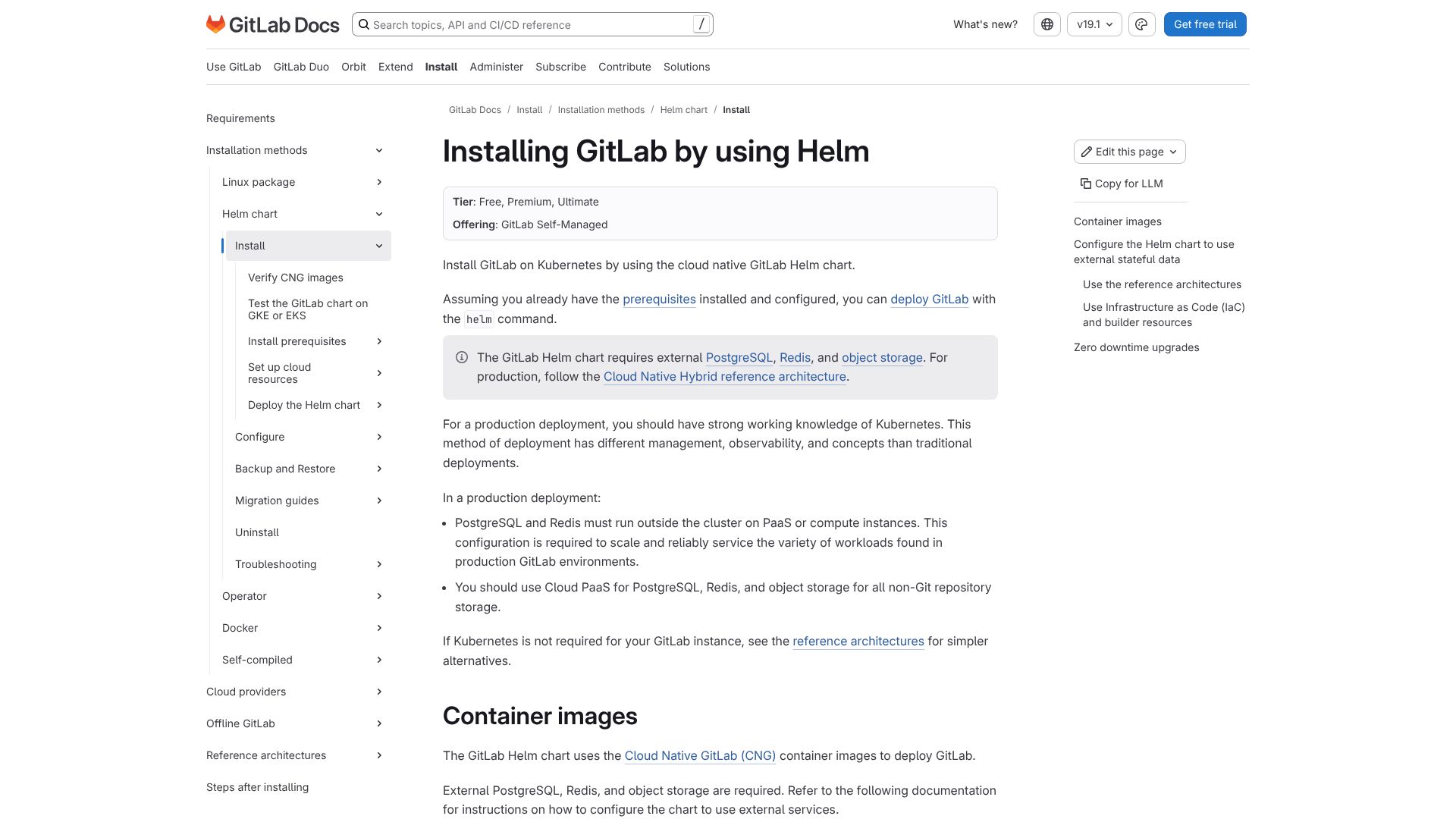
The page is a GitLab documentation site (“Installing GitLab by using Helm”) providing technical instructions for deploying GitLab on Kubernetes using Helm. The URL is on a legitimate GitLab documentation domain (docs.gitlab.com) and the HTML/OCR text show standard GitLab Docs navigation and content rather than any account-recovery or login flow.
Suspicious phishing indicators are not present: there is no credential-collection form (no password/email fields, no login UI), no fake security/urgent warnings, and no mismatched branding or lookalike-payment branding. While the page includes external links and a “Try GitLab for free” CTA, these are typical marketing/navigation elements and not embedded credential harvesting.
Overall, the strong brand consistency (GitLab Docs theme, navigation labels, and the technical Helm/Kubernetes content) combined with the first-party-looking URL structure indicates this is legitimate.