The full anatomy of a phishing site,
one URL at a time.
ZeroPhish renders the page, runs twelve detection signals against the DOM, certificate chain, brand fingerprint and threat feeds, and returns a typed verdict. Built for security teams and product engineers.
No phishing signals detected
| URL | hxxps://login[.]microsoftonline[.]com/common/oauth2/v2[.]0/authorize | |
| Host | login[.]microsoftonline[.]com | |
| Registered domain | microsoftonline[.]com | |
| Brand | Microsoft | |
| Screenshot | https://cdn.zerophish.ai/73d6277d-d9f4-415d-ba98-0e859557f01e.jpg | |
| Scan ID | 20d36d47-5a1d-4816-b7b9-5802820fb584 |
| Host | login.microsoftonline.com |
| Registered domain | microsoftonline.com |
| Scheme | https |
| Content length | 88529 B |
| HTTP | 200 · text/html |
| JARM | 0d30d30d30d30d3602602602602602e25131495ca35a7870d023f63ef06bf5 |
| Redirect hops | 1 |
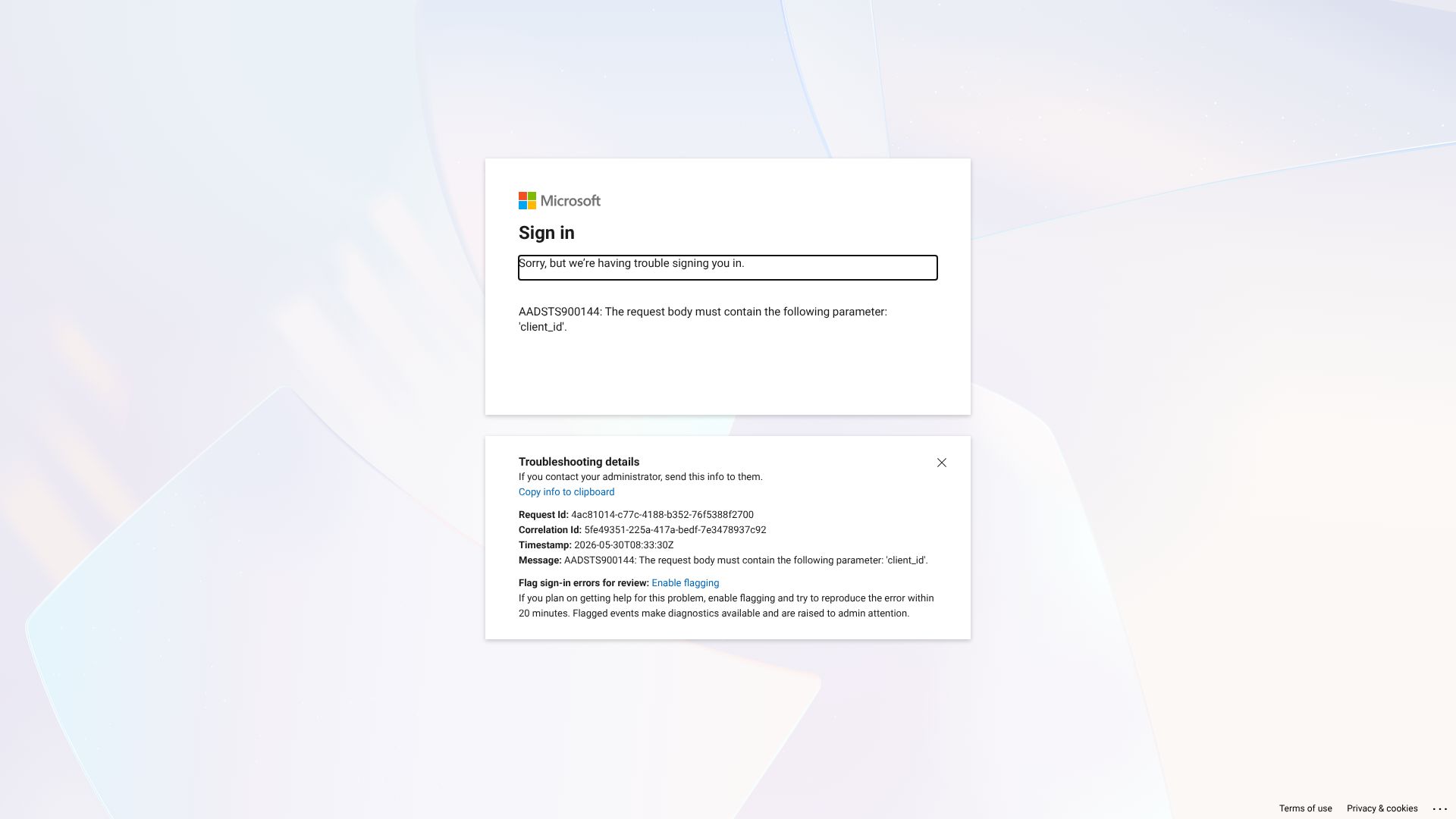
The page presents itself as a Microsoft sign-in experience (“Sign in”, Microsoft logo assets) and is served from the legitimate Microsoft OAuth endpoint domain: login.microsoftonline.com.
Suspicious phishing signals are largely absent. The HTML shows an error/diagnostic screen for OAuth (“Sorry, but we’re having trouble signing you in.” and “AADSTS900144: … must contain … ‘client_id’.”) rather than a credential-harvesting login form. There are no visible password/username input fields in the provided content, and the only actionable link is troubleshooting/flagging for admins.
Because the domain aligns with Microsoft and the content matches a real Microsoft authentication flow (including Microsoft CDN-hosted logos and AADSTS error messaging), this is best classified as legitimate.